Your Mac, Managed
from Your Pocket.
The lightweight, secure, and native way to control your Mac from your iPhone. No cloud, no lag, just total control.
See how to connect your devices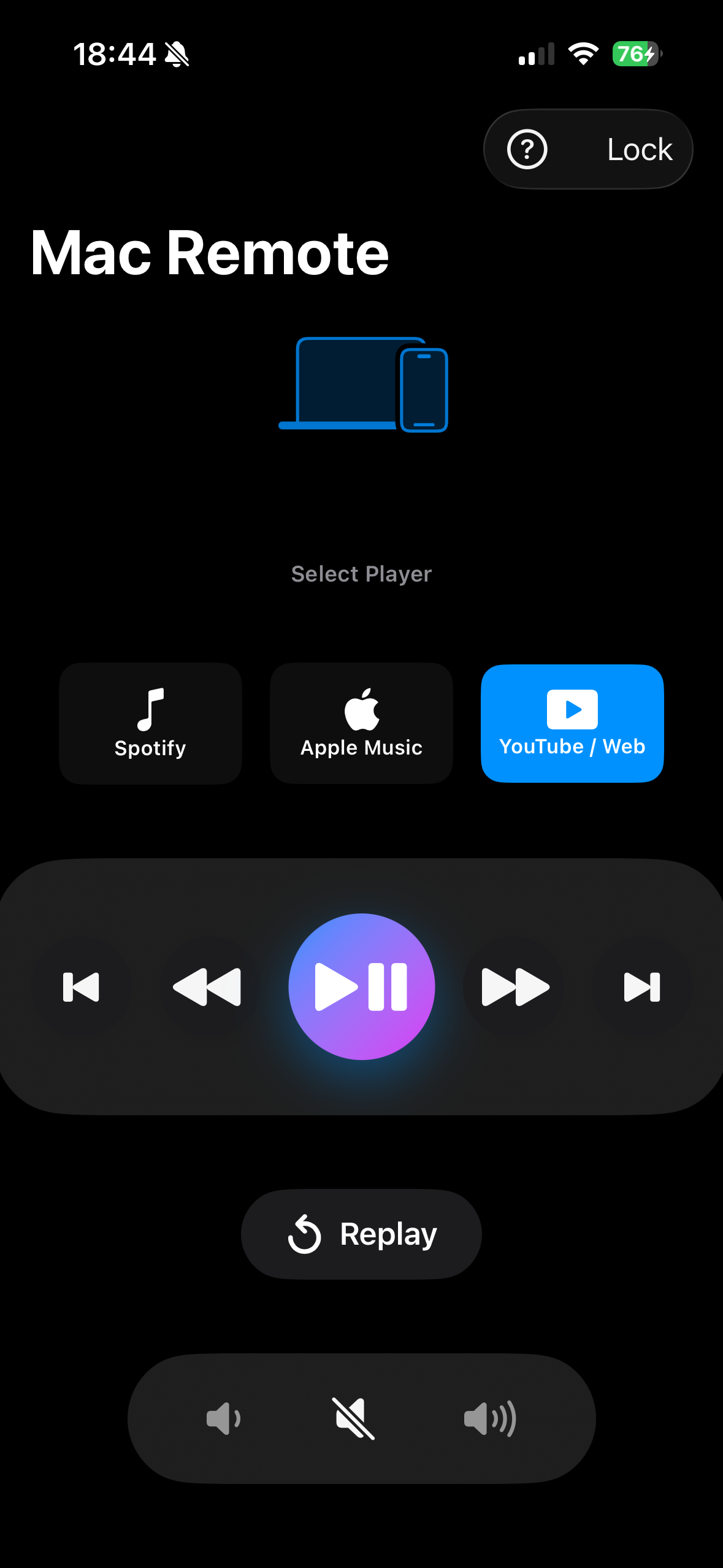
What is Mac Remote Controller?
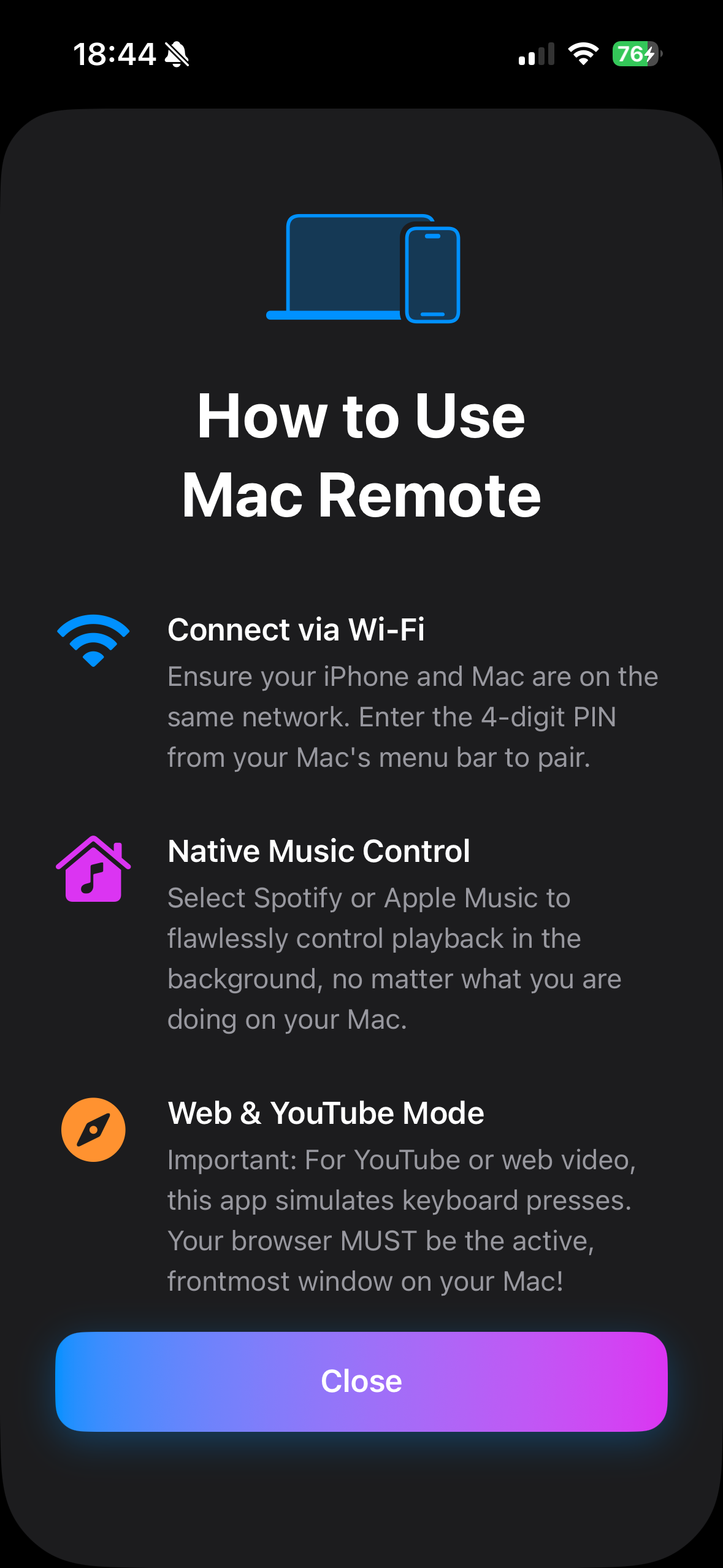
Mac Remote Controller (MRT) is a minimalist utility designed for power users who want to bridge the gap between their mobile devices and their desktop. Whether you’re watching YouTube from the couch, managing a Spotify playlist from across the room, or adjusting system volume during a presentation, MRT gives you a physical "remote control" experience for your macOS environment.
Setup in 60 Seconds
Because it runs locally on your Wi-Fi, there are no accounts to create and no cloud servers to rely on.
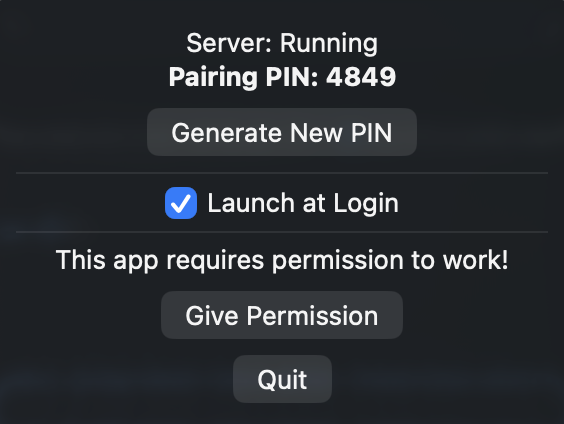
Install the Mac Server
Download the `.dmg` file above, open it, and drag the Mac Remote Controller icon into your Applications folder. Launch the app.
Grant macOS Permissions
To control your mouse and keyboard, MRT needs permission. When prompted, open System Settings.
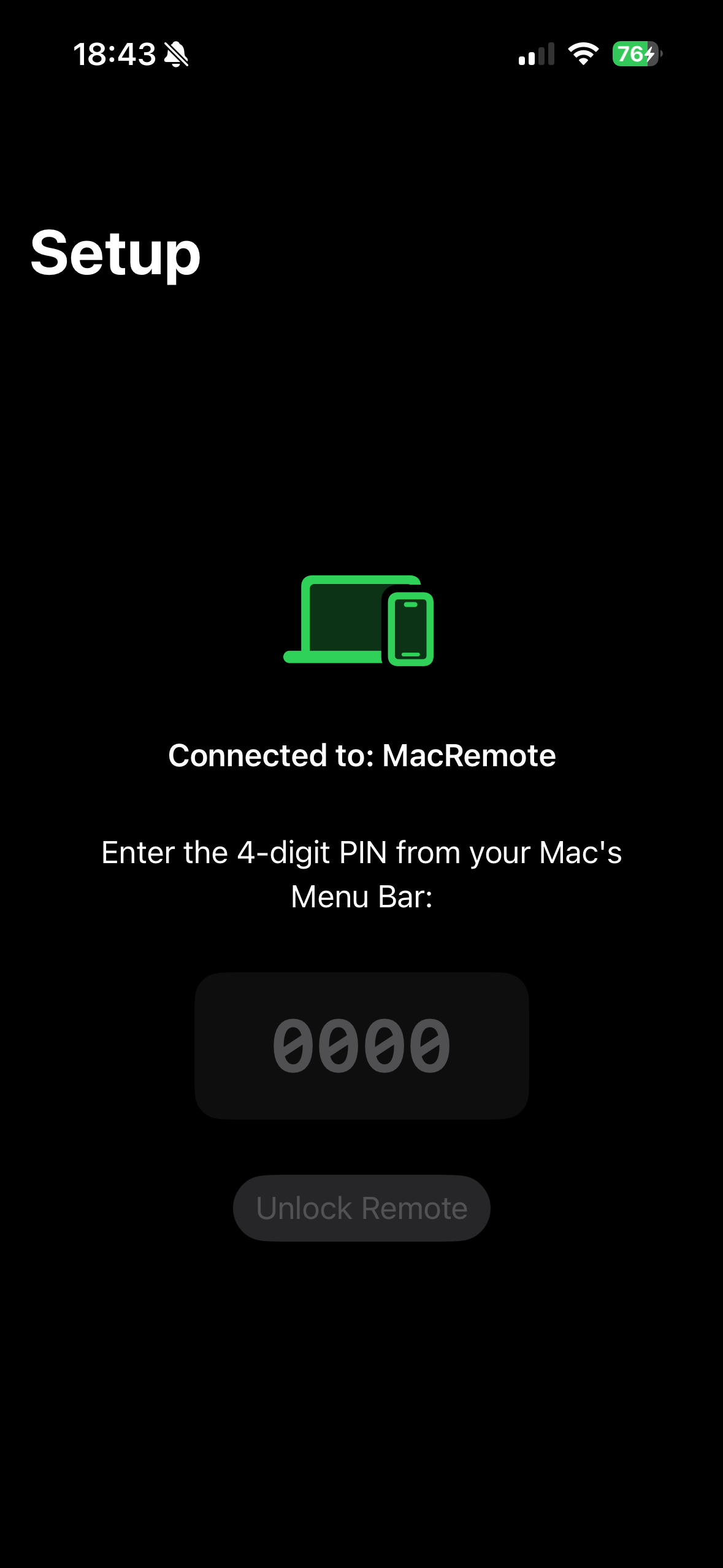
Enter the PIN on your iPhone
Ensure both devices are on the same Wi-Fi network. Open the iOS app and enter the secure PIN displayed on your Mac's screen.